Potion docs
What Potion is
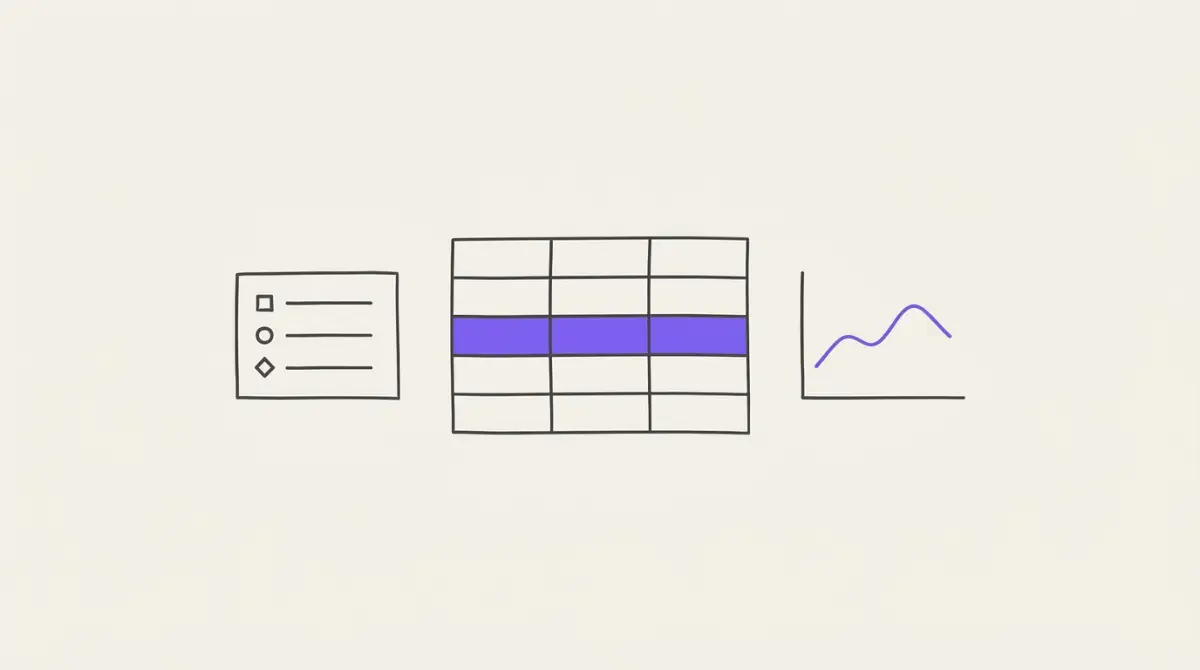
A markdown note app that is also a bookmark manager and a knowledge base. You capture notes, give them structure with tags and properties, connect them with links, and look at them through views and the graph. Beside them, records hold the data you log and chart.
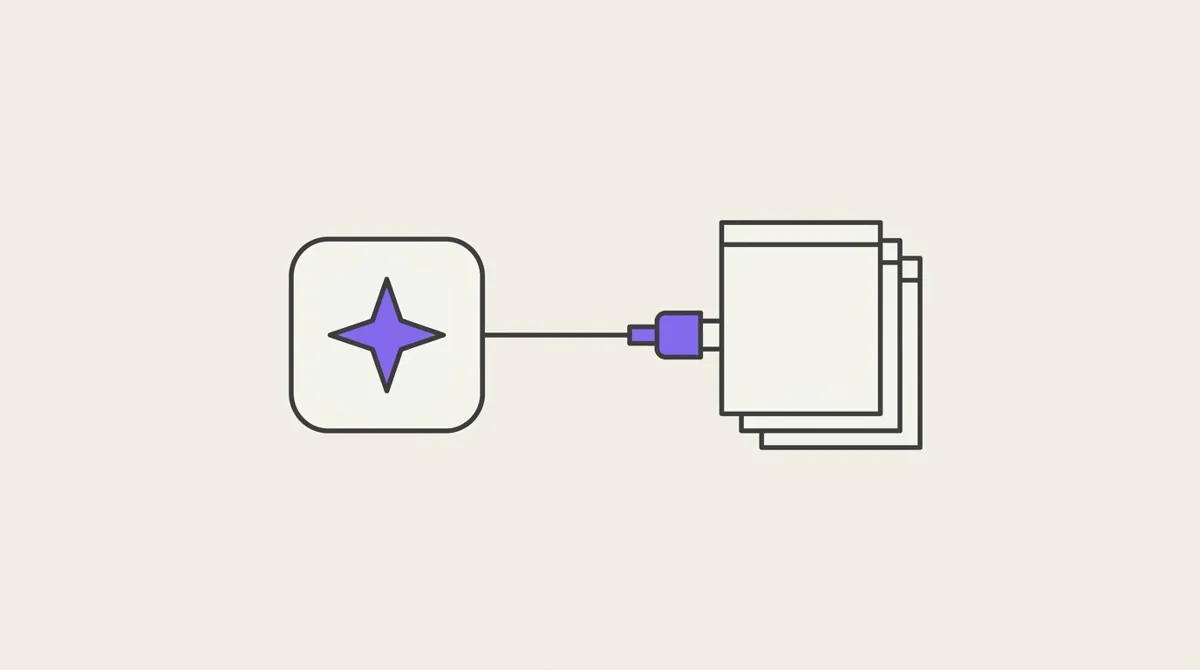
The web app, the iOS app, the Chrome extension and your AI assistant all work on the same notes.
The concepts
Eleven ideas cover all of Potion. Each opens its section on the Concepts page.


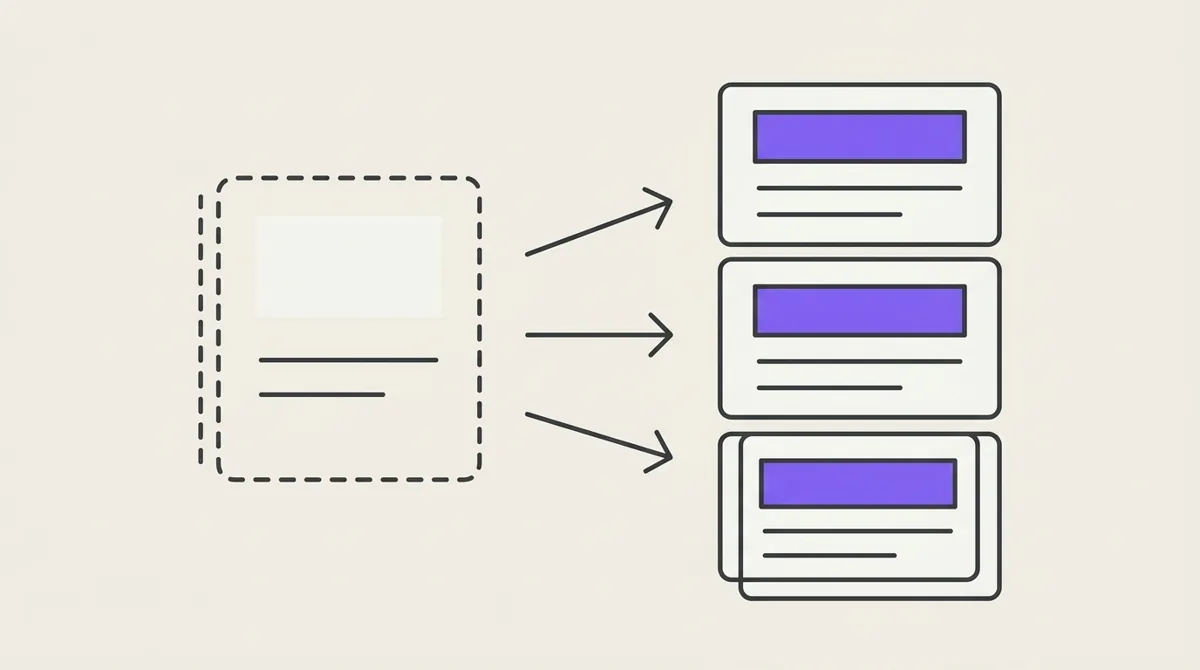
Go deeper
Embeds
Turn a link into a video, a post or a track inside a note, and every source that works.
Filters and views
The filter tree every view, the graph and html blocks share: conditions, groups, dates, sorting and display.
Graph
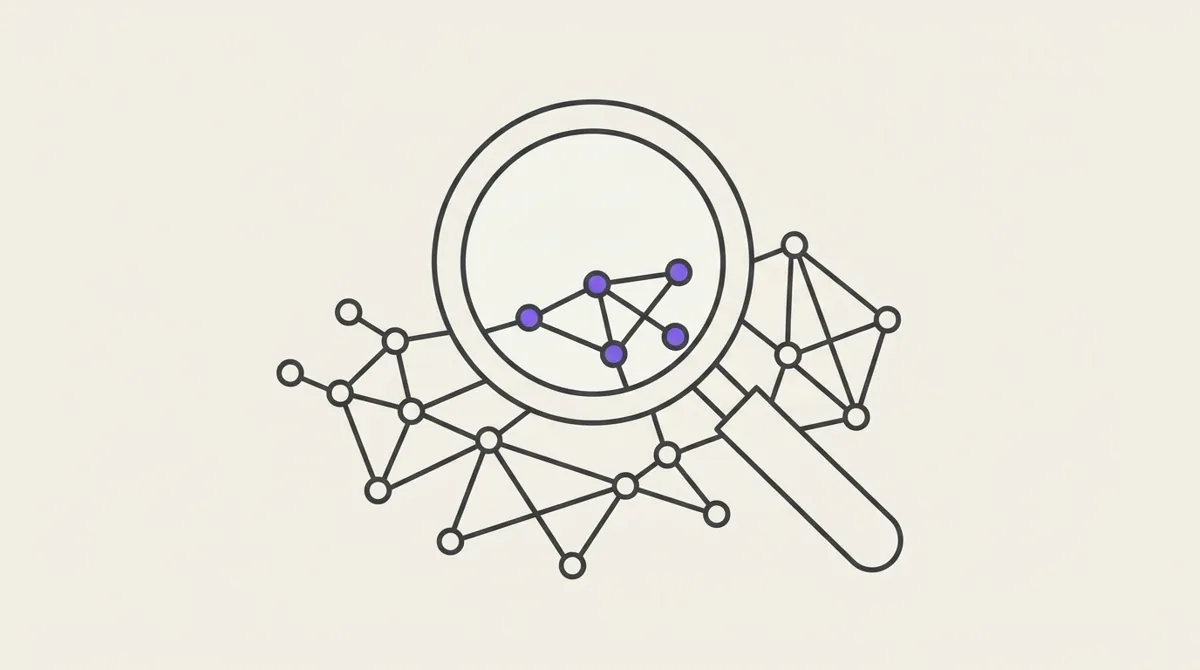
Your notes as a map of their connections: reading it, choosing what it shows, saving a way of looking.
AI
Talk and AI search on your own OpenRouter account: what you can ask, the changes you approve, what stays private.
The API
Read and write a workspace from your own scripts: API keys, notes, records and filters.
Webhooks
Let another system know when a record changes: subscribe a URL, verify what arrives, write back.
Block libraries
Every library an html block can load with potion:use, and when to reach for it.
Block Data API
Read the workspace from an html block: filters, sorting, paging, counts and sharing.
For an AI assistant, every section is Markdown: /llms.txt lists them, /llms-full.txt is all of them in one file.