Concepts
Potion is a note app, a bookmark manager and a knowledge base in one. Everything in it starts from one idea, the note, and grows from there: notes get tags and properties, views filter them, links connect them, and your AI assistant works on them with you. Beside the notes sit records: structured rows you log and chart, like a weight on a date, which never crowd the notes you read.

| Concept | In one line |
|---|---|
| Note | an object: a title and markdown content, plus everything attached to it |
| Clipper | saves what you find on the web or your phone as a note |
| Tag | a label; is this note in the set? |
| Property | a typed value that makes a note descriptive |
| File | a document, readable and searchable: attached to a note, or kept in the workspace alone |
| View | a filter and a sort, kept, showing what matches now |
| Preset | the tags and properties a new note of one kind starts with |
| Layout | one design many notes render through |
| Html block | a live page inside a note, built with AI, that reads your data |
| Graph | notes linked to notes, drawn as a map of your knowledge |
| Record | a row of structured data, not a note: its shape is declared first, and a block can chart it |
| Workspace | an isolated container for all of the above |
| MCP | your AI assistant, working in Potion as you |
Note
A note is just markdown, but it is an object. It has a title and content, and the content is markdown with a few special transformers on top: a YouTube or X link becomes a playable embed, a formula becomes typeset math, a code block becomes a diagram or a live page, [[a title]] becomes a link to another note.
Around that text, the note carries everything that describes it:
| Part | What it adds |
|---|---|
| Tags | which sets the note belongs to |
| Properties | typed values: a rating, a status, a date |
| Files | attached documents |
| Links | the other notes it points to, and the ones pointing back |
| Cover, alias | an image for its card; a short name like todo |
Because a note is an object and not only text, it can be filtered, sorted, drawn on a graph and read by code.
Clipper
Most notes are not typed, they are collected. Say you are on YouTube and find a video about architecture you like. With the Chrome extension or the iOS share sheet (together, the Clipper), you save it in a couple of taps: the note keeps the link, the video becomes an embed you can watch inside the note, you tag it architecture, and it appears in your feed.
The Clipper saves links, embeds, images and whole articles as clean text. It can also apply a preset as you save, so a film arrives already tagged and asking for its rating.
Tag

A tag is a label, and it answers one question: is this note in the set? Tags are cheap. There is nothing to set up, a note can carry many, and a tag exists as soon as one note uses it.
A tag can bring others with it: link postgres to database, and every note tagged postgres is tagged database too.
Property
A property is a typed value on a note, and it is what makes a note truly descriptive. Where a tag only says in or out, a property says how much, when and which one.
| Type | Holds | Example |
|---|---|---|
| text | a string | author: Le Guin |
| number | a number | rating: 8 |
| date | a day | read_on: 2026-09-16 |
| bool | yes or no | favourite: true |
| select | one of a fixed list | status: reading |
| json | free-form structured data | { "runtime": 148, "country": "FR" } |
Each workspace keeps its own list of properties, and a note holds at most one value for each. That is what lets you ask for films rated 8 or more, articles read this month, or everything with no status yet.
File
A note can carry attachments: PDF, EPUB, Word documents, markdown, text, HTML, CSV and JSON. A file does not have to belong to a note: left alone, it lives in the workspace until you delete it, and Manage → Files is where it is kept. Their text is extracted, page by page, so a file is not just stored: it can be searched and read, by you and by your assistant.
View
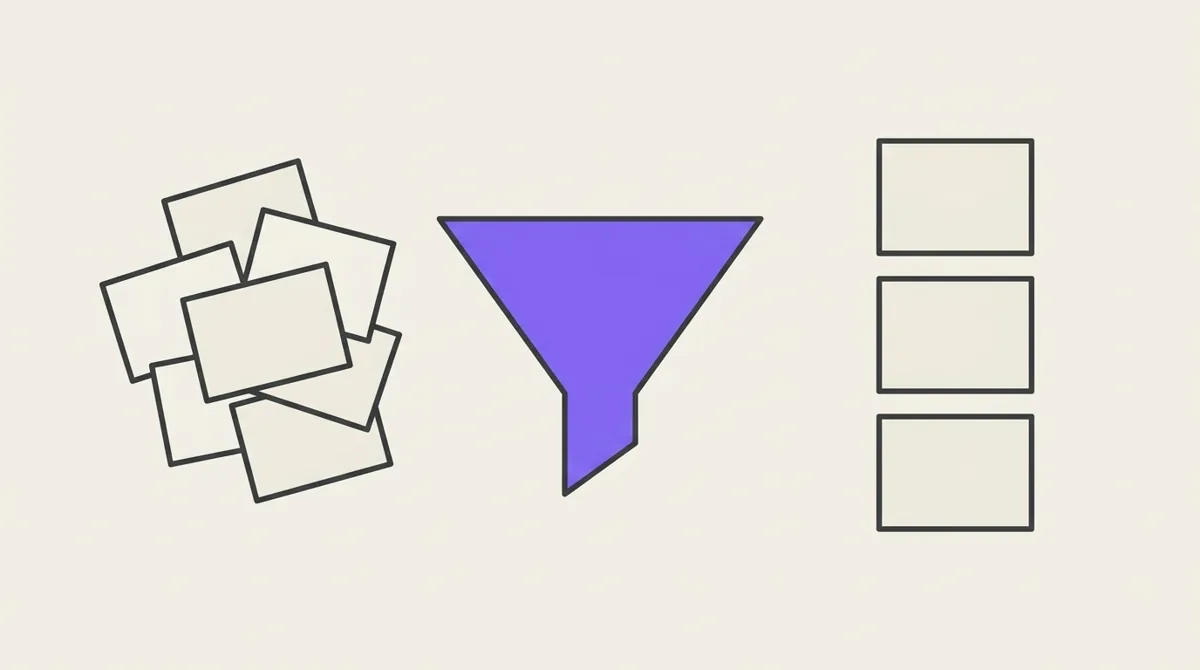
With tags and properties in place, sooner or later you want to see something specific. That is what a view is: the source where a filter is applied. A view keeps:
- a filter: which notes, from tags, properties, title and dates, combined with all, any and none;
- a sort: in what order, by date, title or any property;
- a display: which properties show on each card.
A view holds no notes of its own. Open it and it runs again, so it always shows what matches right now, including a note you saved a minute ago. The full rules are in Filters and views.
Preset
A preset is the starting point for one kind of note: the tags and property values it always gets. A "Film" preset tags movie, sets status: to watch, and asks for a rating.
It is the mirror image of a view. A view reads notes that exist; a preset writes onto a note being created. Pick one in the Clipper and the note is described the moment it is saved.
Layout
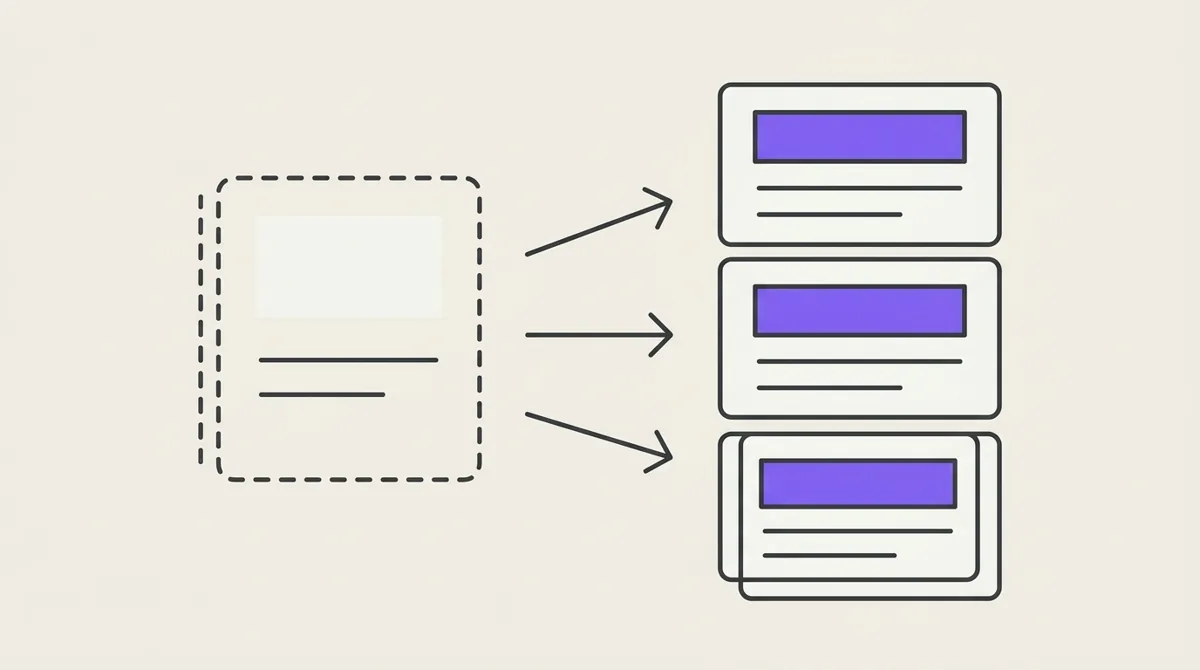
A layout is one design that many notes render through. Every film note can show the same poster card, each filled in from that note's own properties. Change the layout once and every note using it changes. A layout can belong to a preset, so saving a film offers the film card.
Html block
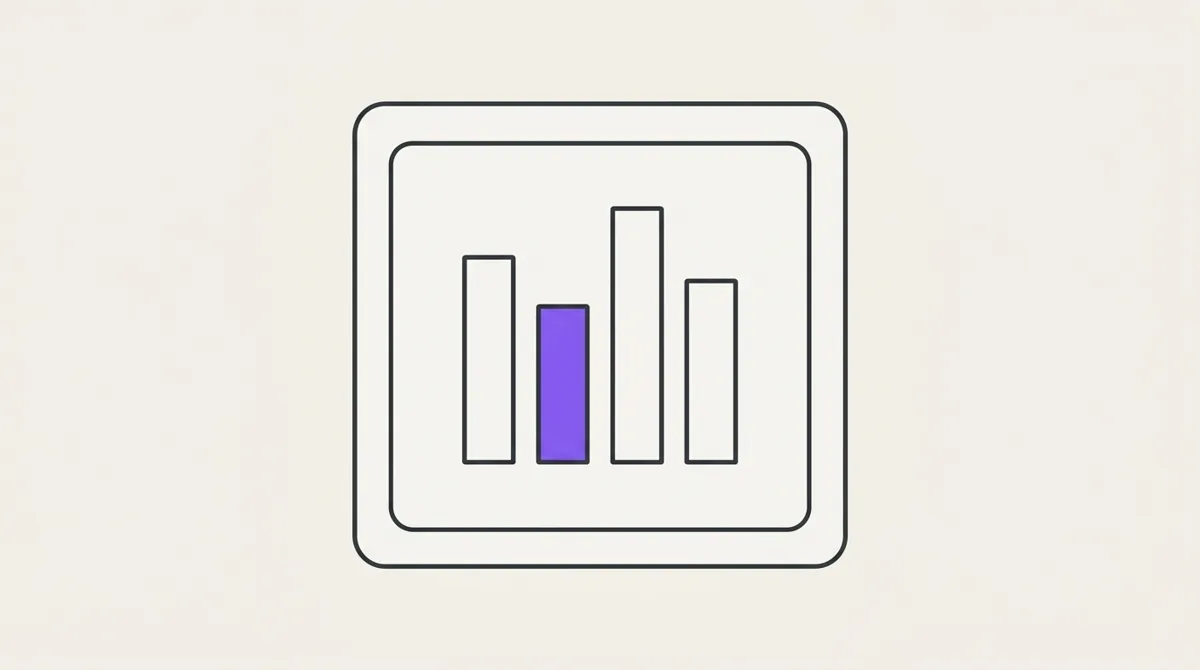
An html block is a live page inside a note: a chart, a table, a dashboard, a timeline. It is how nice UI gets made on the fly: you describe what you want, your assistant writes the block, and it renders in the note.
- Libraries. A block can load one library from a fixed, allowed set (charts, tables, maps, maths, animation and more). See Block libraries.
- Your own data. Inside a block, a special object called
potionreads the workspace:potion.self()returns the note the block lives in, andpotion.getNotes()returns the notes a filter matches, with their tags and properties. See the Block Data API. - It can change things, when you allow it. A block can also act: log a record, set a property, create a note. That is how a form, a switch or a vote lives in a note. Before a block's first change, Potion asks you, once per block. A shared note accepts changes from its readers only for what the note itself allows, and a signed-in reader can agree to be known to it, so what they write carries their name — a roll call, a vote, a game.
- Safe by design. A block runs sandboxed, with no network: what it reads can only be shown back to you, and what it changes goes through the same rules as the app.
A layout is simply an html block that many notes share.
Graph
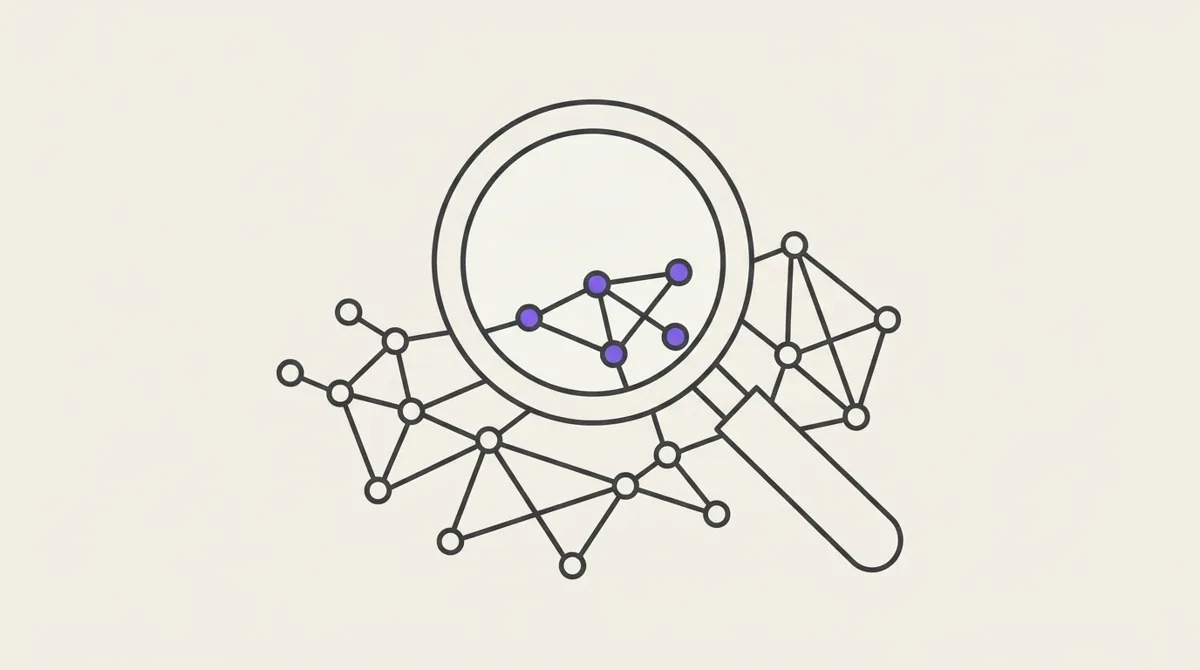
Notes can link to each other. Write [[Another note]] in a note, or link to its URL, and the two are connected. Every note knows its links (what it points to) and its backlinks (what points to it). A link can even point to a note you have not written yet.
The graph draws those connections as a map of your knowledge, with tags as hubs if you want them. A lens saves one way of looking at it: which notes, and what to draw. See Graph.
Workspace
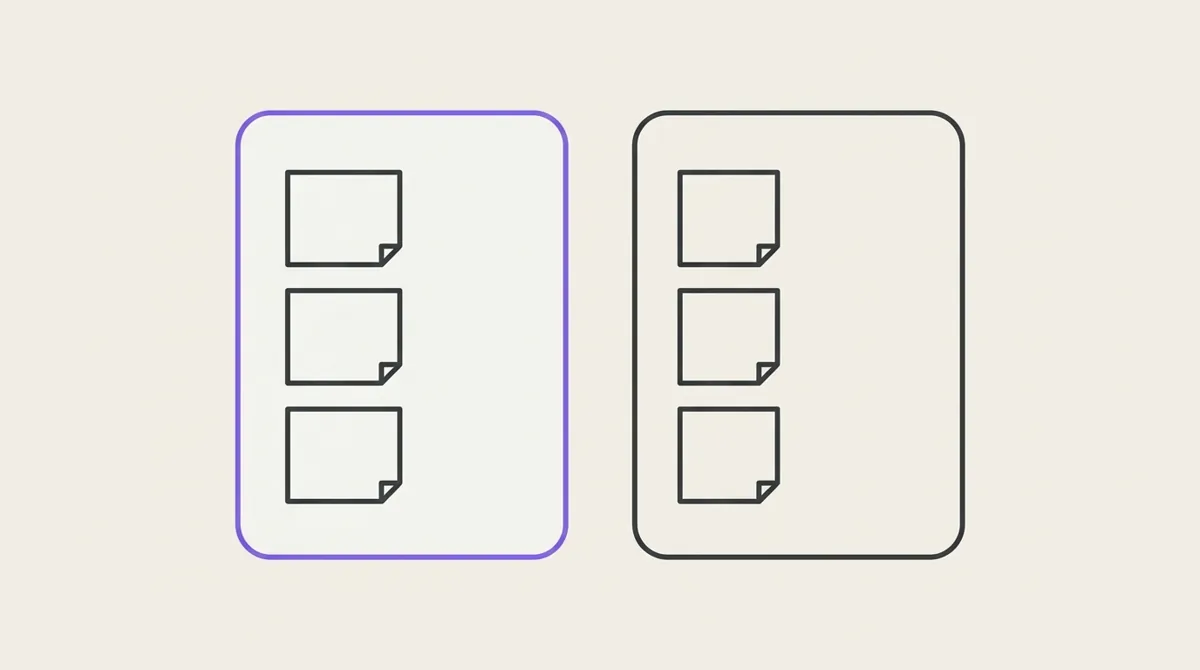
A workspace is an isolated container: a project, a topic, a part of your life. Notes, tags, properties, views, presets, layouts and lenses in one workspace are invisible from another, and links stay inside it.
Where you use Potion
| App | For |
|---|---|
| Web app | everything: writing, views, the graph, layouts, managing tags and properties |
| iOS app | reading and writing on the go, views, the feed |
| Clipper | saving from Chrome and from any iOS app's share sheet |
| MCP | any AI assistant, working directly in your workspace |
| Talk | Potion's own AI, on your OpenRouter account: questions and approved changes, web and iOS |
They all work on the same notes. Save a video on your phone, and it is in the web app's feed and within your assistant's reach a moment later.
Record
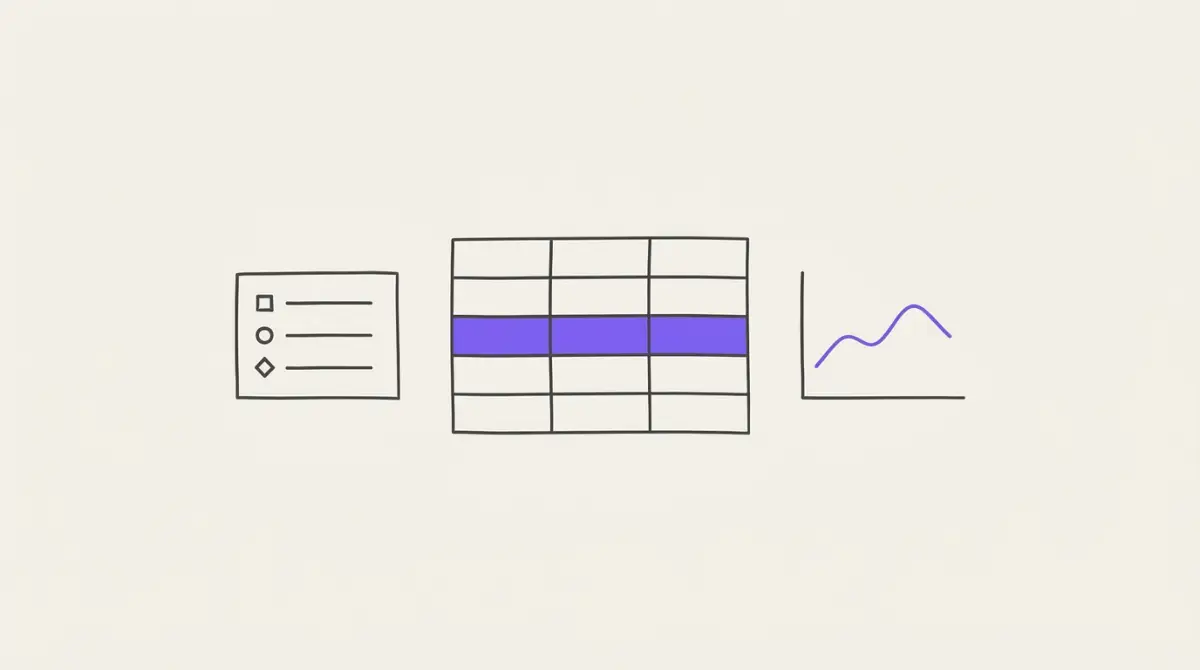
Some things are not documents. A weight on a date, a chess rating, an idea jotted down to look at later: rows you accumulate, not pages you open.
A structure declares the shape. weight is a number and a date, and nothing else may be written to it. A record is one row of that structure. Records have no title and no content, and they appear in none of the places notes appear: not the feed, not search, not the graph, not a view. Three hundred weigh-ins never bury the six things you actually wanted to read.
They are not hidden notes. They are a different thing, in their own table, which is why they cannot leak into a list of notes by accident.
| Part | What it is |
|---|---|
| Structure | the declared shape: a name, a description, and typed fields (text, number, date, time of day, yes/no, a choice from a list, a link to a note, a file, a row of another structure), each optionally required or unique, numbers with a unit such as kg and a range |
| Record | one row of a structure: its values, and when it was written and last changed (created_at, updated_at, set by the database) |
A record cannot exist before its structure. Ask an assistant to log something it has no shape for, and it will ask you what the shape should be rather than inventing one. After that, "log my weight: 81.9" is one sentence. A missing required value is refused, not guessed: a gap in a series is visible, a wrong number is not. An optional one left empty is saved, and the assistant says so and offers once to fill it.
A structure only grows. Fields can be added, but not renamed, retyped or removed, because rows already written cannot be rewritten to match. A rule on an existing field can only be tightened once every row already meets it: a field becomes required only when no row lacks it, and a choice leaves a list only when no row still holds it. A number's unit, once rows exist, cannot change to another: kg cannot quietly become lb.
A field can be unique: one row per value. One weigh-in per date, one refuge per street. A second row with a value already taken is refused, and the refusal names the row that holds it; an assistant told to set rather than add updates that row instead. Text is compared ignoring case and extra spaces, so "Industrial Street" and "industrial street" are the same value, while "Industrial St" is a different one. A field can be made unique later only if no two rows already share a value, and it can stop being unique at any time. A yes/no field cannot be unique: only two rows could ever exist. Uniqueness can also span two fields together: one row per day per habit.
A field keeps its name forever, but not its label. The key that filters and charts use never changes; the label people read can, whenever you like. And a field you stop using can be hidden: it leaves the forms and columns, its old values stay, and it is no longer required. A number can also carry a unit and a range, so 819 typed for 81.9 is refused rather than charted. Once rows hold values in kilograms, the unit can be neither changed nor removed, because that would silently change what every stored number means.
A structure can hold just one row, which makes it a settings object: your targets, your defaults. Saving it replaces the row, and Records shows it as a form rather than a table. A structure can also cap a list at a number of rows, or be immutable: each row is written once and never edited, the way a reading or a ledger line should be. A wrong one is deleted and written again.
Every row has a permanent id, which is how a note, a block or an assistant points at one row. A row can itself point at a note: a reading session at the book, an expense at the note that holds its receipt. It can point at a file in the workspace, or at a row of another structure: the set at its workout. A structure that others point at cannot be deleted until they are.
Once there are rows, a note can draw them. An html block reads a series and charts it, and totals and averages come straight from the database, per day, week, month or year, so neither a block nor an assistant has to add rows up. A block can write rows too, which turns a note into a form: a button that logs a row, and another note that watches the structure and updates live. And a structure can tell another system: a webhook calls your URL whenever a matching row is written, from anywhere. See Webhooks. The data lives in the workspace, so a logging note, an averaging note and a comparison note all read the same rows and none of them owns it.
Open Records in the sidebar to browse them: search the structures, pick one, and its rows appear as a table you can sort, filter and export as CSV. Manage → Structures shows each structure's fields, adds new ones, and deletes a structure. That last one removes every row with it, so it asks you to type the name, and it can only be done here, never by an assistant. Records are managed on the web and through the MCP; the iOS app shows the notes that chart them, not the rows themselves.
Your AI
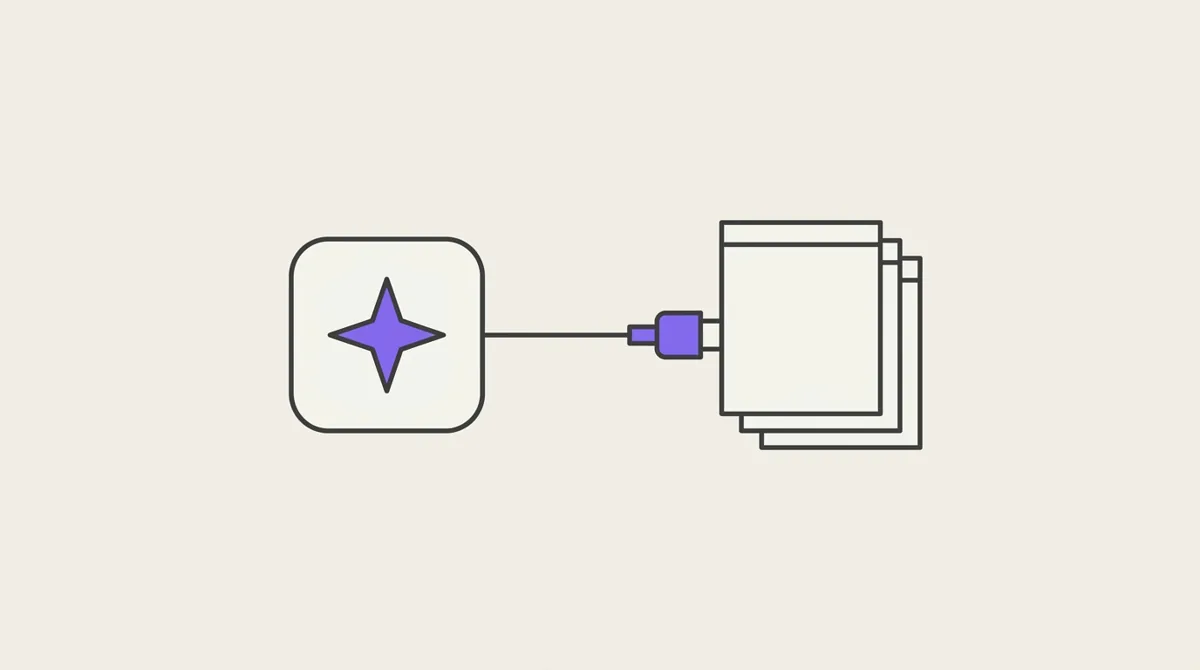
The MCP is what turns Potion into a place an AI can work. Potion speaks the Model Context Protocol, so the assistant you already use connects to it — Claude, Cursor, VS Code, Zed, or anything else that supports MCP servers. Connected, it does what you do, in your words: save this article with the Article preset, make a view of films I rated 8 or more, read the PDF on my research note and summarise chapter 3, build a chart of what I read this year, show me how my Rust notes connect.
It works as you, in one workspace, under the same rules that protect your data. It prefers small edits to rewrites, so it changes only what you asked. And it knows Potion: the concepts on this page are the ones it reasons with.
Connecting takes one line. See The MCP.
Or talk to Potion itself. Connect your OpenRouter account in Settings → AI, and Potion gets its own AI: Talk, a chat over your workspace on the web and on iOS, and an AI switch in search. It answers from your notes and records, and every change it proposes waits for your approval. See AI.