Filters and views
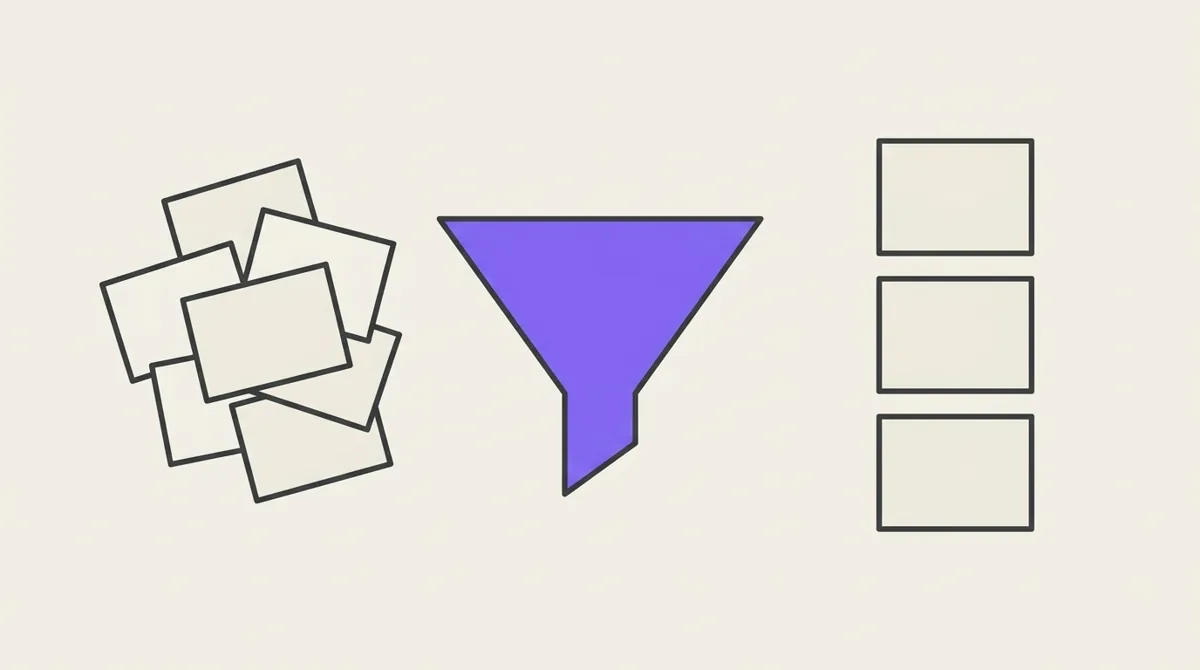
A filter describes which notes you mean: "films rated 8 or more", "articles I haven't read, saved this month", "anything tagged rust or go that isn't archived". Potion has one filter, and it is used everywhere a set of notes is chosen:
| Where | The filter decides |
|---|---|
| a view | which notes appear in its feed |
| the graph | which notes it shows |
| an html block | which notes it reads, through potion.getNotes() |
| the MCP | which notes a view or lens an AI builds will hold |
So the rules on this page hold in all of them, on the web, on iOS and through the MCP.
This page is also available as plain Markdown at /docs/filters.md.
A filter is a tree
A filter is a group of conditions. A group says how its conditions combine:
| Match | Means | Reads as |
|---|---|---|
all | every condition matches | AND |
any | at least one matches | OR |
none | no condition matches | NOT |
A group can hold other groups, which is how "A and (B or C)" is written. In the web and iOS filter builders, + Condition adds a condition and + Group adds a nested group; the ⋯ menu on each row duplicates it, wraps it in a group, or deletes it.
"Films rated 8 or more, or not rated yet":
all of
├─ Tags has all of  #movie
└─ any of
   ├─ rating ≥ 8
   └─ rating is empty
An empty filter matches every note. Groups nest at most 4 deep, and a filter holds at most 50 conditions.
Conditions
There are three kinds of condition.
Tags
| Condition | Matches notes that |
|---|---|
has all of a, b | carry every listed tag |
has any of a, b | carry at least one |
has none of a, b | carry none of them |
A filter refers to tags by identity, so renaming a tag never breaks a filter. Deleting a tag that a view or lens filters on is refused until they stop using it.
Properties
What you can ask depends on the property's type:
| Type | Conditions |
|---|---|
| text, select | is, is not, contains, does not contain, starts with, ends with, is any of, is none of |
| number | =, ≠, >, ≥, <, ≤, is between |
| date | is on, is before, is after, is on or before, is on or after, is between, is within |
| bool | is |
| json | has key, contains |
| every type | is empty, is not empty |
- Text matching ignores case ("contains Rust" finds "rust"). Is is exact.
- Is between includes both ends.
- Is empty means the note has no value for that property at all.
Title and dates
Every note also has three built-in fields:
| Field | Conditions |
|---|---|
| Title | is, is not, contains, does not contain, starts with, ends with, is empty, is not empty |
| Created | is on, is before, is after, is on or before, is on or after, is between, is within |
| Updated | same as Created |
Rules worth knowing
Negative conditions include notes with no value. status is not done also matches notes that have no status at all, the way a person means it. If only notes that have a status should count, add status is not empty beside it. The same goes for does not contain, is none of and has none of.
Comparisons skip notes with no value. rating > 7 never matches an unrated note, and neither does rating < 7.
Dates are days, not moments. "Created is on 2026-09-16" matches the whole day. Dates can be fixed or relative:
| Write | Means |
|---|---|
a date, 2026-09-16 | that day |
| today, or n days / weeks / months / years ago or from now | a day that moves with the calendar |
| is within the last 30 days | from 30 days ago up to and including today |
| is within the next 2 weeks | from today up to 2 weeks ahead |
A relative date is worked out every time the filter runs, so "created within the last 7 days" always means the last 7 days, not the week the view was made. "Today" is your own day: the apps record your time zone when you save a filter.
A filter never drops a condition silently. If a condition names a tag or property that no longer exists, it matches nothing rather than being ignored, because ignoring it would quietly show more notes than you asked for.
Views
A view is a filter you keep. Open it and it runs again, so it always shows what matches now, including notes added after the view was made. A view holds no notes of its own; nothing is "in" a view except by matching.
A view decides three things, and they never affect each other:
| Part | Decides | Never |
|---|---|---|
| Filter | which notes appear | — |
| Sort | their order | hides a note |
| Display | what each card shows | changes which notes appear |
Sort
A view sorts by one of: created, updated, title, or a property, ascending or descending.
- Notes without a value for the sort property come last, in either direction. Sorting never hides a note; if you only want notes that have a value, add is not empty to the filter.
- A select property sorts by the order of its options (
unread → reading → done), not alphabetically. - A json property cannot be sorted by.
- Ties break newest first, so paging through a view is stable.
The property a view sorts by is shown on its cards automatically, with an arrow for the direction.
Display
Beyond the title and preview, a card can show:
- Up to three property chips, in the order you choose. A note with no value for one simply shows no chip.
- Tags, or not. Hiding them is useful in a view already filtered to one tag, where every card would show the same one.
Most views are best with no chips at all: a rating is useful in "Best films" and noise in "Inbox".
The rest of a view
- Cover, colour and icon give the view its tile.
- Pinned views sort to the top of the view list.
- A note view is not a filter at all: it is a permanent shortcut to one note, chosen when it is created.
Examples
| You want | Filter | Sort |
|---|---|---|
| Films worth rewatching | all of: has all of #movie, rating ≥ 8 | rating, descending |
| Reading queue | all of: has any of #article, #paper; status is not done | created, ascending |
| This week's captures | Created is within the last 7 days | created, descending |
| What hasn't been rated | all of: has all of #movie, rating is empty | title |
| Rust or Go, not archived | all of: has any of #rust, #go; has none of #archived | updated, descending |
For AI and code
Through the MCP and in html blocks, a filter is written as JSON, using tag names and property keys. Potion looks them up in the workspace and refuses any that do not exist, rather than guessing:
{
  "match": "all",
  "children": [
    { "type": "tags", "op": "has_all", "tags": ["movie"] },
    { "type": "group", "match": "any", "children": [
      { "type": "property", "key": "rating", "op": "gte", "value": 8 },
      { "type": "property", "key": "rating", "op": "empty" }
    ] },
    { "type": "field", "field": "created_at", "op": "within",
      "value": { "dir": "last", "n": 30, "unit": "day" } }
  ]
}
| In the builder | In JSON |
|---|---|
| has all of / any of / none of | has_all, has_any, has_none |
| is, is not | eq, neq |
| contains, does not contain | contains, not_contains |
| starts with, ends with | starts_with, ends_with |
| is any of, is none of | in, not_in, with a list |
| >, ≥, <, ≤ | gt, gte, lt, lte |
| is between | between, with [low, high] |
| is on, before, after, on or before, on or after | on, before, after, on_or_before, on_or_after |
| is within | within, with { "dir": "last" | "next", "n": 30, "unit": "day" } |
| has key | has_key |
| is empty, is not empty | empty, not_empty, with no value |
A date value is "YYYY-MM-DD" or relative, { "relative": { "n": -7, "unit": "day" } } (units day, week, month, year; negative is the past). The root may carry "tz": "America/Toronto" to say what "today" means; without it, today is in UTC.
An AI changing an existing view should edit it one condition at a time (the MCP's edit_view_filter, addressed by node id) rather than resending the whole tree, so the conditions it was not asked about cannot drift. See The MCP. For html blocks, the Block Data API covers the rest: sorting, paging and which fields to read.